
Explore the Qbead
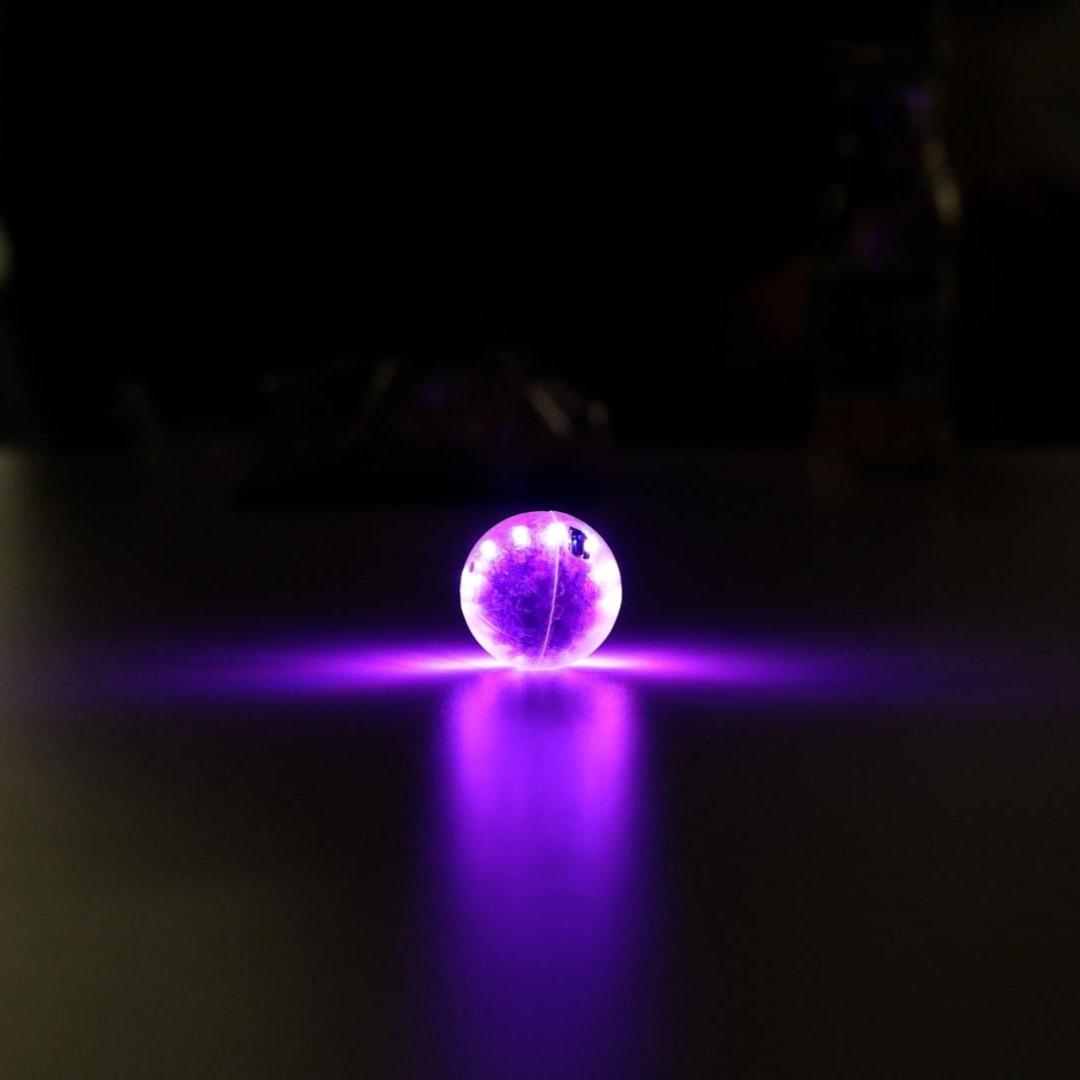
Discover the Qbead and what is inside of it
Explore the Qbead
What is the Qbead
The Qbead is a simulator that lets you interact with a qubit with your hands.
With it we want you to explore the strange laws of quantum mechanics, all by yourself! No math or physics background required! Try rotating it, tapping it, shaking it and see what happens!
But wait, how is this a qubit? The light in the Qbead represents the quantum state of a qubit. Think of the light spot in the Qbead as the tip of the state vector in a Bloch sphere. You do not know what this means yet? No worries, we got you covered! Check out our qubit lesson.
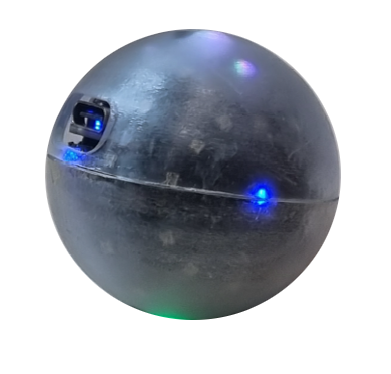
But with the Qbead we do not only see quantum states, we change them
By rotating your Qbead in any direction you can perform qubit gates. This means, the state vector of the qubit rotates to another position in the Bloch sphere
By gently tapping the Qbead you perform a quantum measurement, with its axis along the tapping direction!
With these tools, we can now do a lot of fun quantum experiments while learning very important concepts in quantum physics and engineering.
In short, the Qbead features:
- Interactivity, as all operations are done via movement - rotate it! shake it! tap it!
- Full programmability through USB and bluetooth
- Website-guided interactive lecture materials
- Open source (and cheap!) hardware and software - soon you will be able to request yours!
Inside the Qbead: hardware
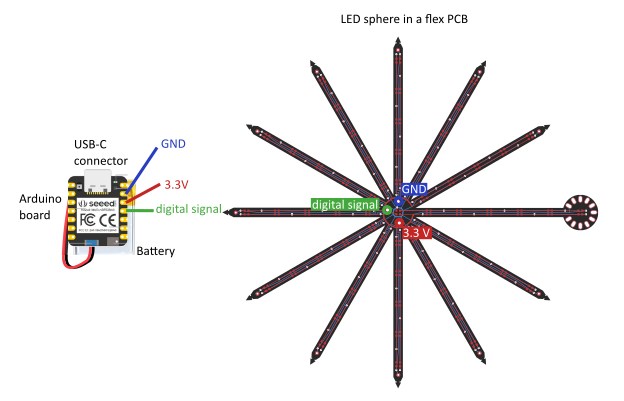
The brains - Seeed XIAO nRF52840 Sense arduino board, containing a microprocessor to run the code; a USB port for charging, loading code, and reading sensors or other variables; Bluetooth for wireless communication; and an inertial measurement unit to read out the Qbead movement
The power - Lithium polymer battery CLY502020 3.7V +140mAh 0.52Wh
The light - Custom-made LED flexible printed circuit board with 62 smart LEDs
The frame - Custom-made 3D printed shells including and inner shell holding the board and battery, and an outer transparent shell protecting the Qbead
Inside the Qbead: software
We have built a library of functions to code the Qbead Qbead.h. Think of these as the parts of your experiment. One example is a function that reads the inertial measurement unit sensors and outputs its measurements. Another example is a function that lights up a LED representing a specific quantum vector in a specific color.
Using this library, we put together one sketch for each experiment, each of them containing several of these functions into a loop Sketches. For example, the following loop is used for the Tap to measure experiment:
- Read the inertial measurement unit
- Calculate if the measurement is a tap
- Calculate in which direction
- Turn LED red or blue in that axis
- Slowly turn LED white
- Start again from 1.
These are our experiments, but you can edit, change, and code whatever you like!
The Qbead vs. an ideal qubit
Our Qbead is of course not a real qubit (otherwise it wouldn't so hard to build those!). Some of the important differences are:
- This is an electronic gadget, and so all the quantum mechanical effects are simulated - coded into our sketches.
- Observing states without measuring - in real qubits, observing a state means measuring it. In the Qbead we chose to let you see the state and choose when to measure it because we think this has more educational value (ok, it also looks cooler!).
- Discreteness - we only have a set number of LEDs, while qubit states can rotate continuously in the Bloch sphere.
- Representing mixed-state density matrices - currently we do not have a way to visualize those.
- Accuracy of visualization - an ideal qubit state is a vector pointing to an infinitely small point in the sphere, while our LEDs are larger than infinitely small points.
- Accuracy of gates when done via analog gestures - hand gestures are of course not as accurate as the pulse gates used to rotate qubits. For the Qbead, we choose two options depending on the educational goal of the experiment: 1) let the error be to showcase the real problems with errors in qubits, or 2) lock gates in software so that your gates are always perfect.